












In all Tesla models, but especially in the Model 3, the display is the central communication interface between the vehicle and the driver. A screen failure is therefore particularly problematic. We explain what you can do in this case.
The problem
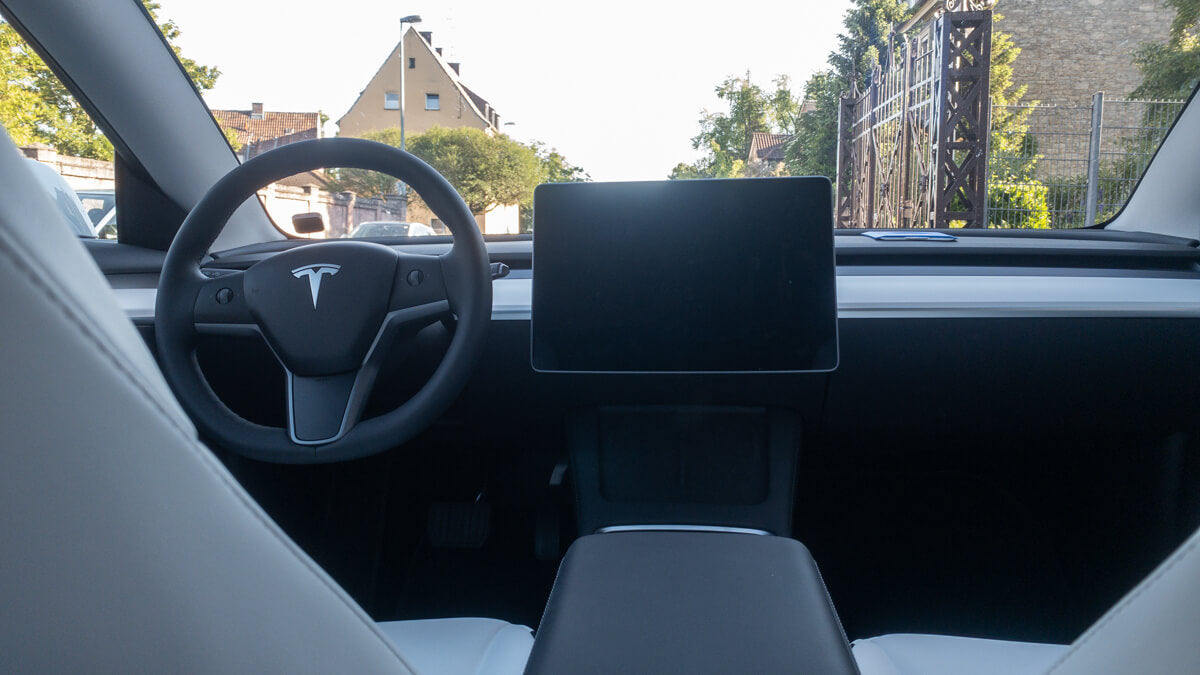
Model 3 users report that the screen remains black upon entry and only starts up after some time. While the vehicle is still drivable, driving with a black display is pointless and dangerous, so one must wait before driving off.
Proposed solutions
If the screen in your Tesla remains black, it could simply be a reboot, which isn't usually a problem. If it's a one-off occurrence, there's no need to worry.
If the error occurs more frequently, you should first try a Soft reboot Try this. If that doesn't work, you should check if all available software updates are installed. It's a good idea to wait for the next update before taking the final step.
This would involve scheduling an appointment at the service center to replace the MCU, i.e., the computer unit.
Did this article help you? Feel free to share your experience in a comment. At Teslabs you will also find high-quality accessories for your Tesla.

2 Comments
klaus
Ist mit soeben auch passiert.. Reboot hat geholfen
Ist mit soeben auch passiert.. Reboot hat geholfen
J. Scherrer
Guten Tag
In letzter Zeit kommt es immer wieder vor, dass bei meinem Tesla M3 der Bildschirm plötzlich grau keine Angaben hat, aber wieder kommt das Navi vorhanden alles Ok.
Würden mich freuen um einen kurzen Bericht von Ihnen freundliche Grüsse J. Scherrer, Safenwil
Guten Tag
In letzter Zeit kommt es immer wieder vor, dass bei meinem Tesla M3 der Bildschirm plötzlich grau keine Angaben hat, aber wieder kommt das Navi vorhanden alles Ok.
Würden mich freuen um einen kurzen Bericht von Ihnen freundliche Grüsse J. Scherrer, Safenwil