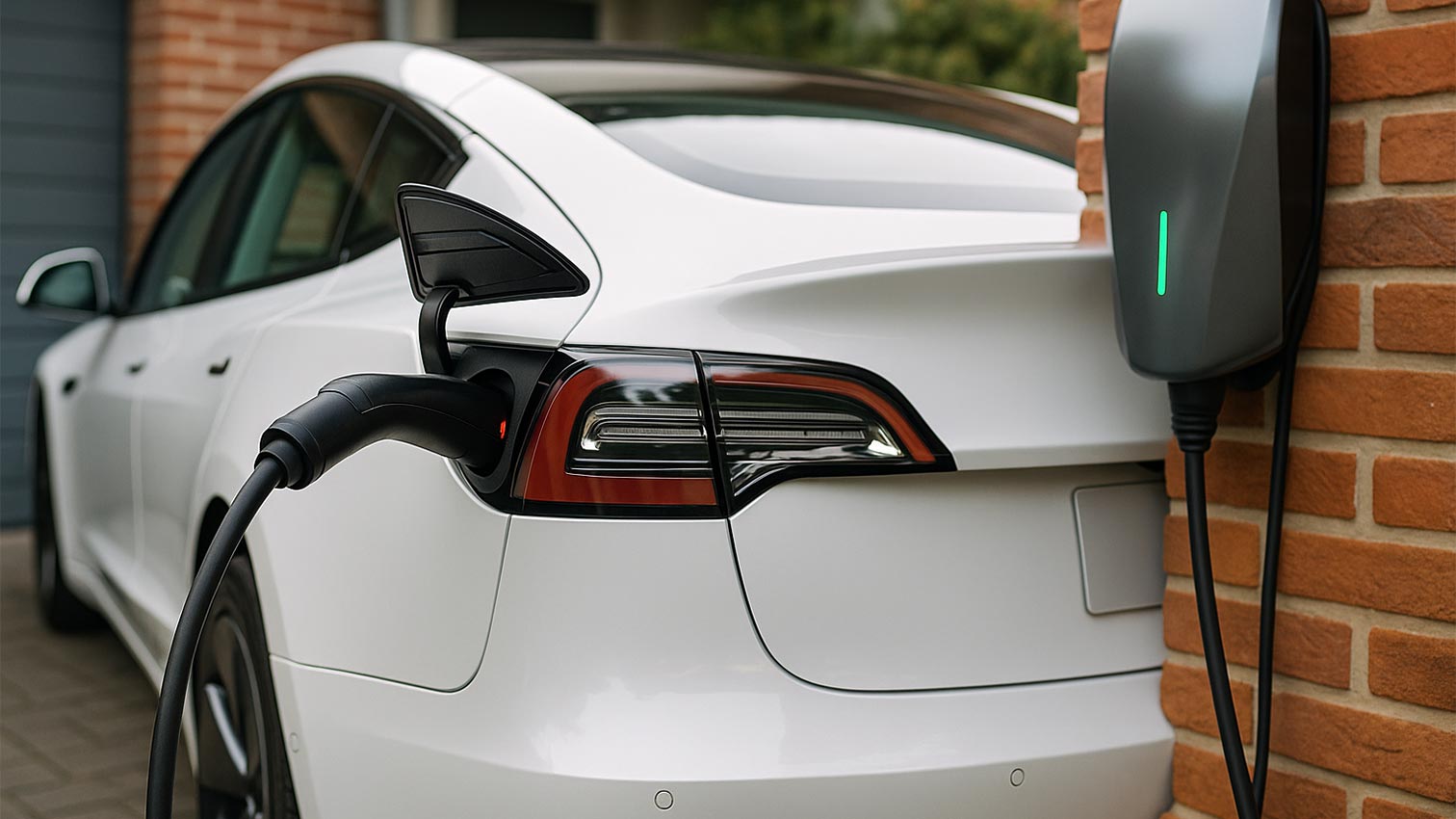
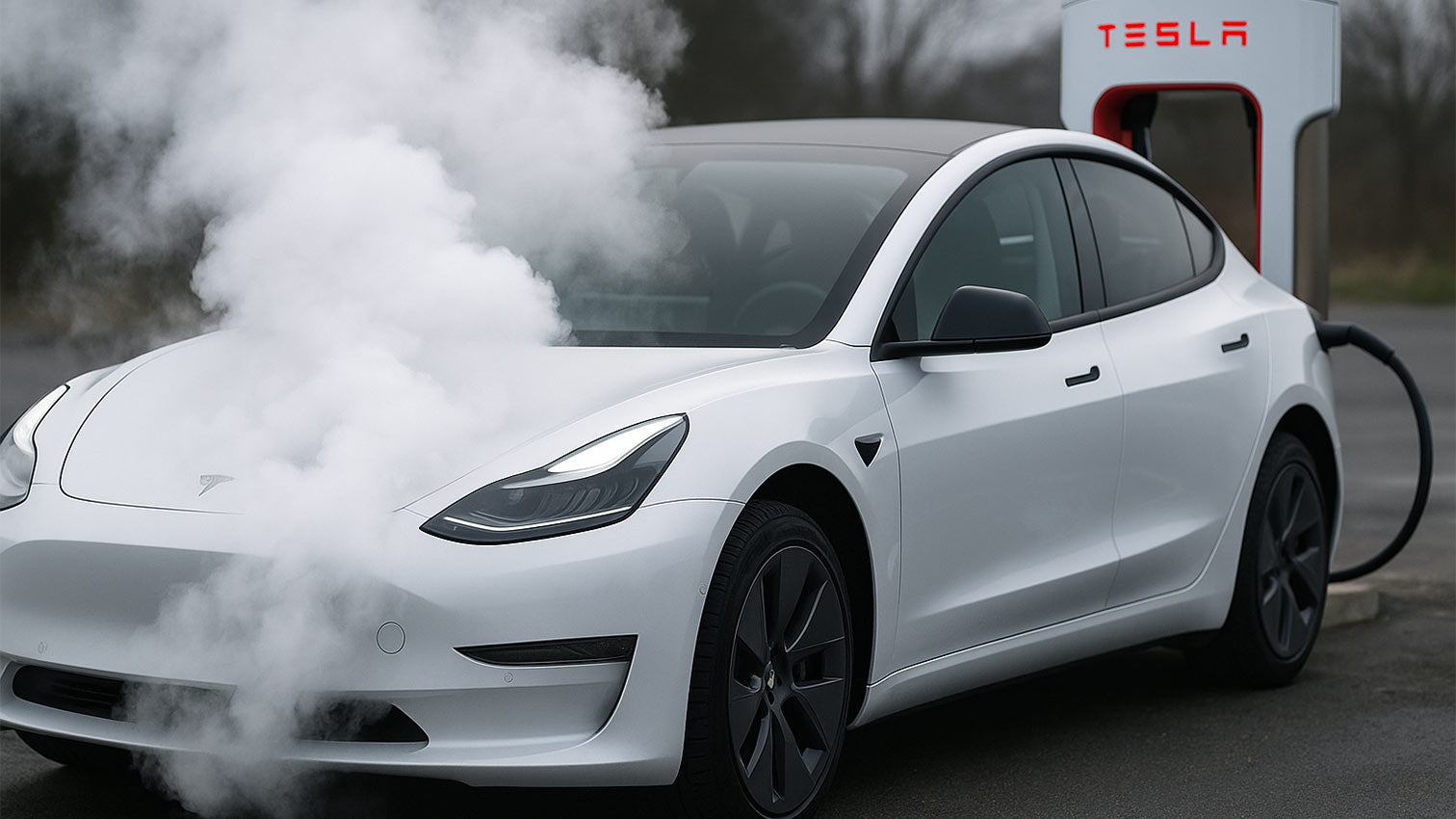
Charging problems are particularly annoying for Tesla drivers – especially when the charging process doesn't even start.
On some Model Y vehicles, the message appears during the charging process or even when plugging in the car. "Charging not possible, check charging port"This can completely prevent the charging process and causes unnecessary delays.
Tesla charging port error
Affected drivers report that the charging port either doesn't respond at all or immediately displays a red LED indicating an error. Sometimes the connector doesn't lock properly, and sometimes the charging process stops after just a few seconds. Often, the problem can be temporarily resolved by repeatedly plugging and unplugging the connector – however, there's no guarantee that this will be a permanent fix.
Typical signs include:
-
The plug is not firmly in place or requires an unusually large amount of movement to make contact.
-
The LED indicator on the charging port lights up red or remains completely off.
-
The error occurs at different charging points, regardless of the cable.
Causes and solutions
Often, it's minor details that cause the problem. If the connector isn't seated correctly, inserting it straight and fully until you hear the locking sound will help. In cases of manufacturing tolerances, gently lifting the connector while it's locked in place can also resolve the issue.
Contaminants such as dust or moisture can be removed with compressed air or a dry, lint-free cloth. Corrosion on the contacts should be repaired by a specialist. A faulty charging cable could also be the cause – if possible, try a different cable or a different charging station.
If the error persists, there may be a sensor or locking problem in the charging port. In this case, it is recommended to schedule an appointment at the service center or with a [device/person]. Tesla Ranger. Often the charging port is completely replaced, which is usually done within a few hours.
To minimize the risk of future failures, we recommend our Charging port cover for Tesla Model 3/Y, which reliably protects the connection from dirt and moisture.
Have you had any problems with your Tesla's charging port? Let us know in the comments.