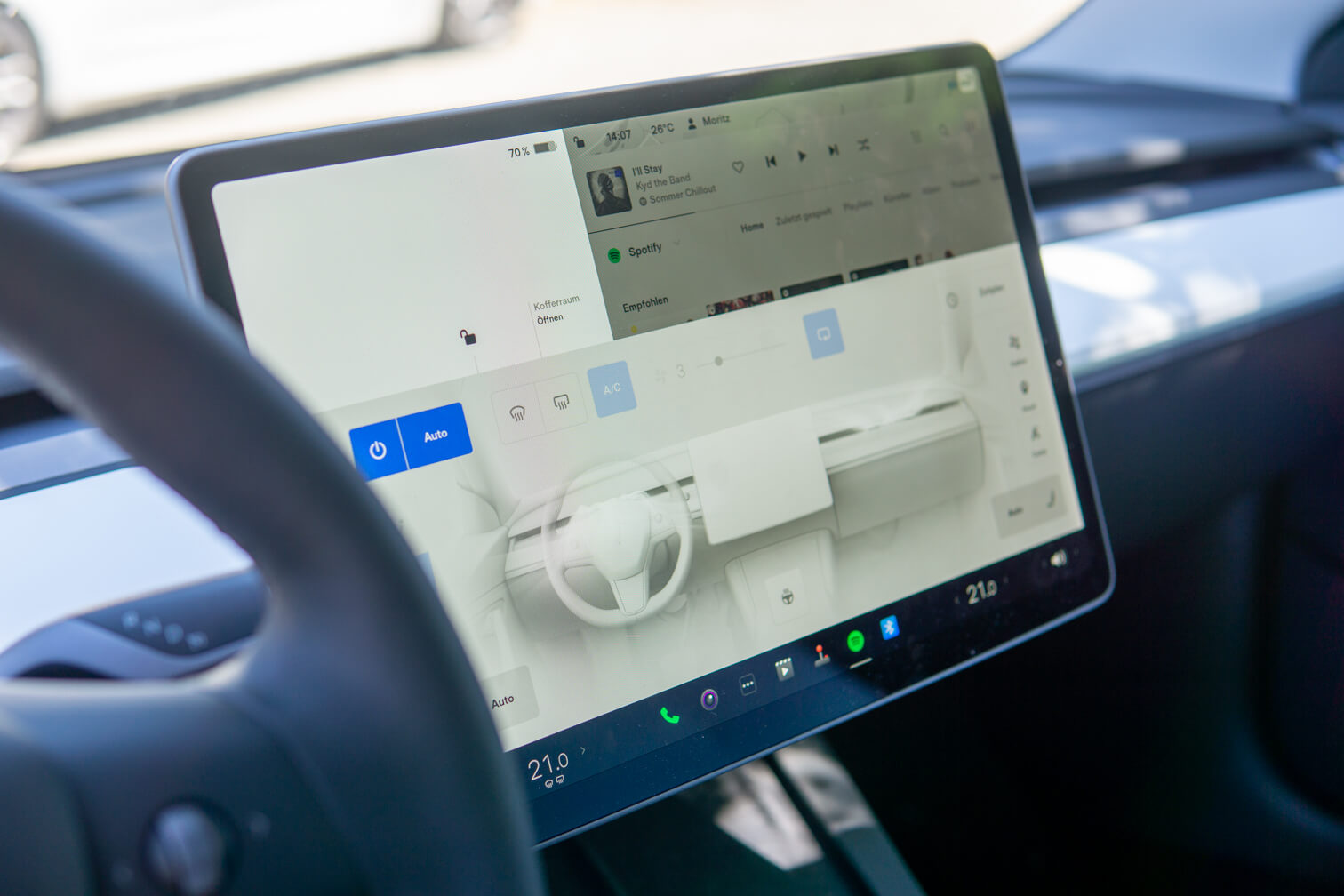
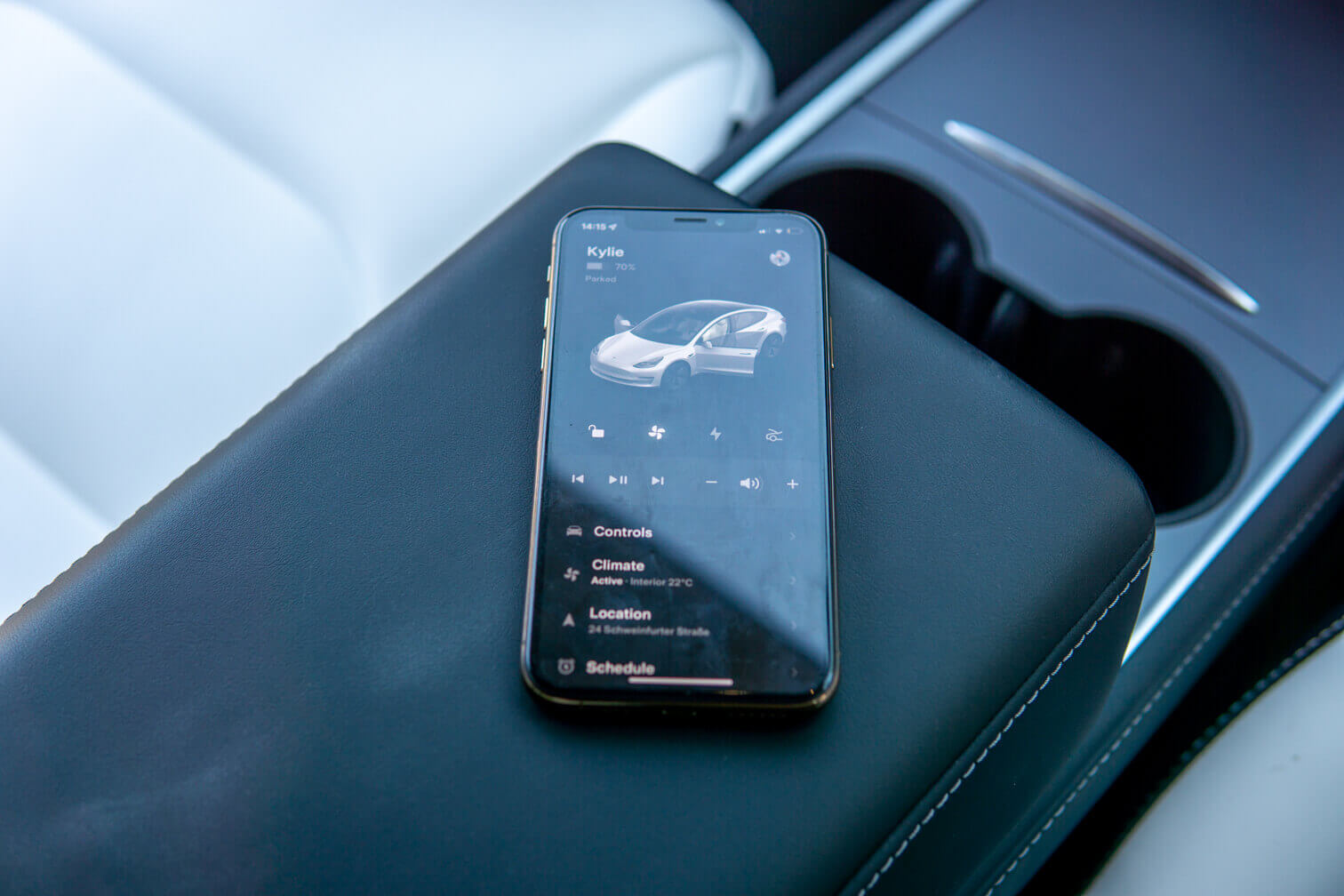
Almost every Tesla driver relies on the built-in Tesla navigation system when planning their route. The Autopilot also relies on this system, depending on the vehicle. package on it. Why do anything else?
The automatic Supercharger integration and the Google Maps overlay are simply too convenient.
The problem: Tesla's navigation system doesn't recognize construction sites.
However, even Tesla's navigation system doesn't seem to be entirely perfect. Sometimes drivers suddenly find themselves facing a road closure and have to take an unplanned detour – even if the closure has been in place for some time and should be known.
The solution: Check settings and wait for an update.
Unfortunately, there's not much that can be done about this problem. When and how the Tesla navigation system will receive an update remains a mystery of the algorithm. In principle, the only thing that helps is checking whether premium connectivity and live traffic data are activated.
Alternatively, you can of course compare the maps with other providers such as Google Maps or Apple Maps before starting your journey to check whether the Tesla navigation takes an alternative route or not.
In the end, you have to be patient until Tesla includes the construction sites in the navigation with a new map update.