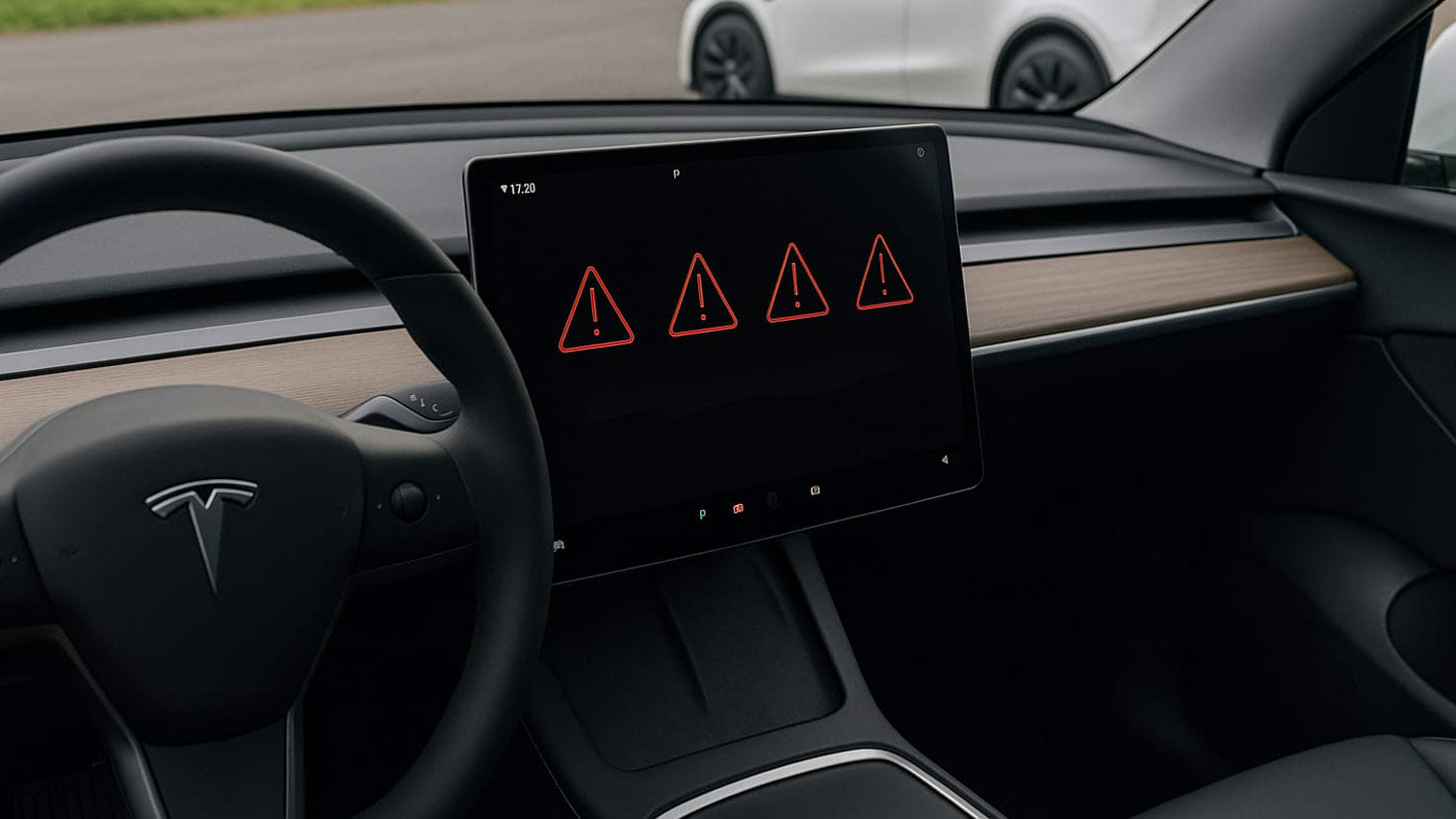
Suddenly the air conditioning stops working, and neither Dog Mode nor Camp Mode can be activated? If your Tesla Model 3 or Y displays unrealistic values like -40°C and reports "System error - Air conditioning not available", the problem is often with the interior sensor.
In this article, we will show you how to fix the error step by step.
Tesla temperature sensor error in Model 3/Y
Quick checks
| Step | Plot | Purpose |
|---|---|---|
| Soft reset | Hold both steering wheel buttons and The brake pedal was pressed for about 10 seconds. | Eliminates short-term software freezes. |
| Power Off | menu Vehicle → Safety → Switch offWait 5 minutes, then tap the brake pedal. | Restarts all control units completely. |
| Retrofit displays/USB hubs | Try disconnecting accessories for testing purposes. | Prevents CAN bus interference. |
| Check app temperature | Compare app and vehicle display. | If the value deviates significantly, this indicates a sensor error. |
causes
Dog mode, camp mode and normal climate control rely on the Interior temperature and -humidity sensor behind the rearview mirror. If the climate control unit loses this signal, it goes into protection mode – comfort functions are deactivated as a precaution.
Step-by-step solution
- Step 1: Open service mode
Tap and hold the vehicle icon for 5 seconds.
-
-
Then enter service a → OK.
-
A notice: The Service mode This mode is intended for diagnostic purposes and is primarily for trained personnel. Any modifications or interventions in this mode are at your own risk and may have unintended consequences – such as disabling safety-relevant systems or losing vehicle settings. Therefore, only use service mode if you know exactly what you are doing.
- Step 2: Reinstall the software
-
-
Navigate to Software → Re-Install.
-
Confirm the warning – the current firmware will be reflashed (approx. 10–15 minutes).
-
After the automatic restart, check Dog Mode/Camp Mode again.
-
- Check or replace the sensor
-
-
-
If the error persists, check the two-pin connector of the sensor behind the mirror.
-
In case of damage or moisture, only replacement of the "Cabin Temperature" will help. & Humidity Sensor” (approx. 80 Euros + installation).
-
-
- Consider the consequences of changing the windshield
-
-
After replacing the windshield, a software reinstallation is mandatory because the sensor and camera module have been separated.
-
5. When does the service center need to be called in?
-
Reinstalling does not improve the situation.
-
Plugs and cables appear unremarkable, yet incorrect temperatures are displayed.
-
The error returns after a few days.
Book one Schedule an appointment conveniently via the appTesla will send you a cost estimate in advance, which you can reject.
Important to know: Even if it ultimately turns out to be a warranty case, a cost estimate will always appear first, which must be approved.
Prevention and useful accessories
A clean airflow protects sensors from dust and moisture. Therefore, change the cabin air filter every 15,000–20,000 km or at least once a year.
High-quality filter sets can be found in our shop – perfectly suited for Model 3 and Y and protects against fine dust, aerosols and odors thanks to activated carbon. (Tip: Order the directly) cabin filter network with; so foreign objects don't even reach the fan in the first place.)
Conclusion
The failure of dog mode and camp mode seems dramatic, but often has a simple cause: an uninitialized or defective temperature sensor.
A soft reset, reinstallation in service mode, and – if necessary – sensor replacement will resolve the problem. Fresh filters from the Teslabs shop ensure that the interior climate remains consistently stable.
Were we able to help you? Let us know in the comments.