It's finally here! Your Tesla is ready for collection at the service center, and you can't wait to drive it off and experience all the possibilities. Entertainment features to try it out and enjoy the electric driving experience. But wait!
Many things work differently at Tesla than you might be used to with other manufacturers. We've compiled five key points to help you with your Tesla Model Y or Tesla Model 3 pickup.
This knowledge will ensure a smooth Tesla pickup process.
Tesla Pickup: Checklist
-
Locking and unlocking
First things first: How do you actually get into your Tesla? Upon pickup, you'll be given a black key card. Hold this against the B-pillar below the camera until the lights flash and the side mirrors extend – now you can get into your Tesla. Locking works exactly the same way.
Later, you can also use your smartphone as a key in the Tesla app. register or order a regular key from Tesla.
-
Tesla Model 3/Y start
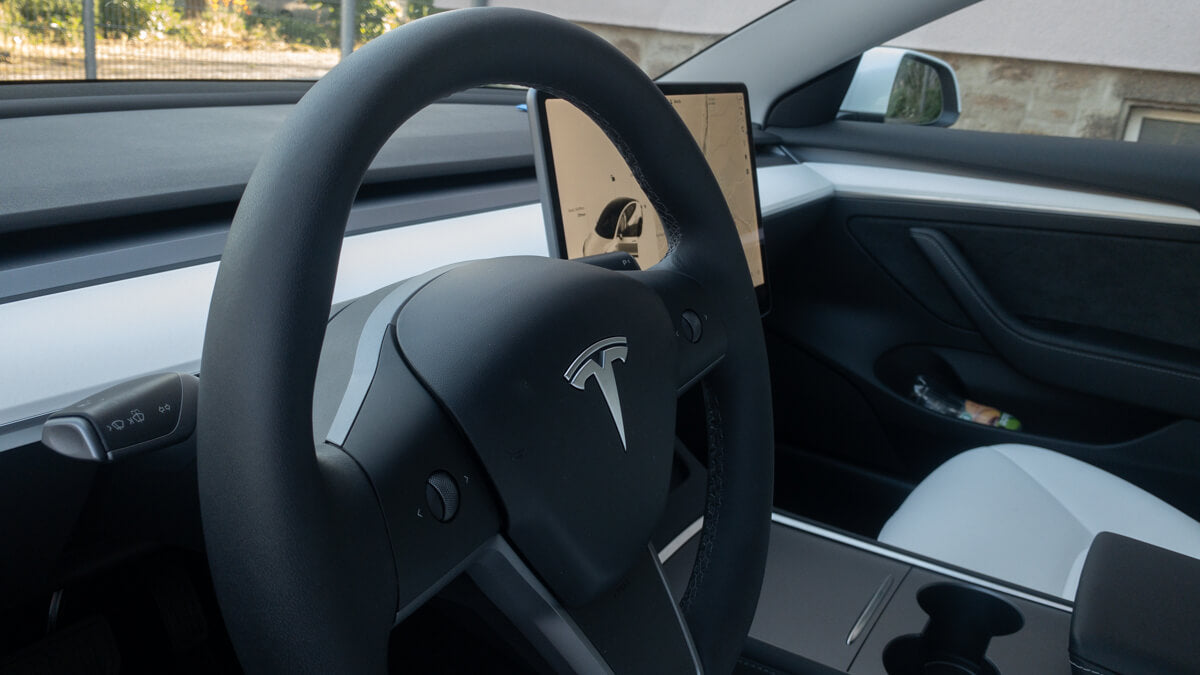
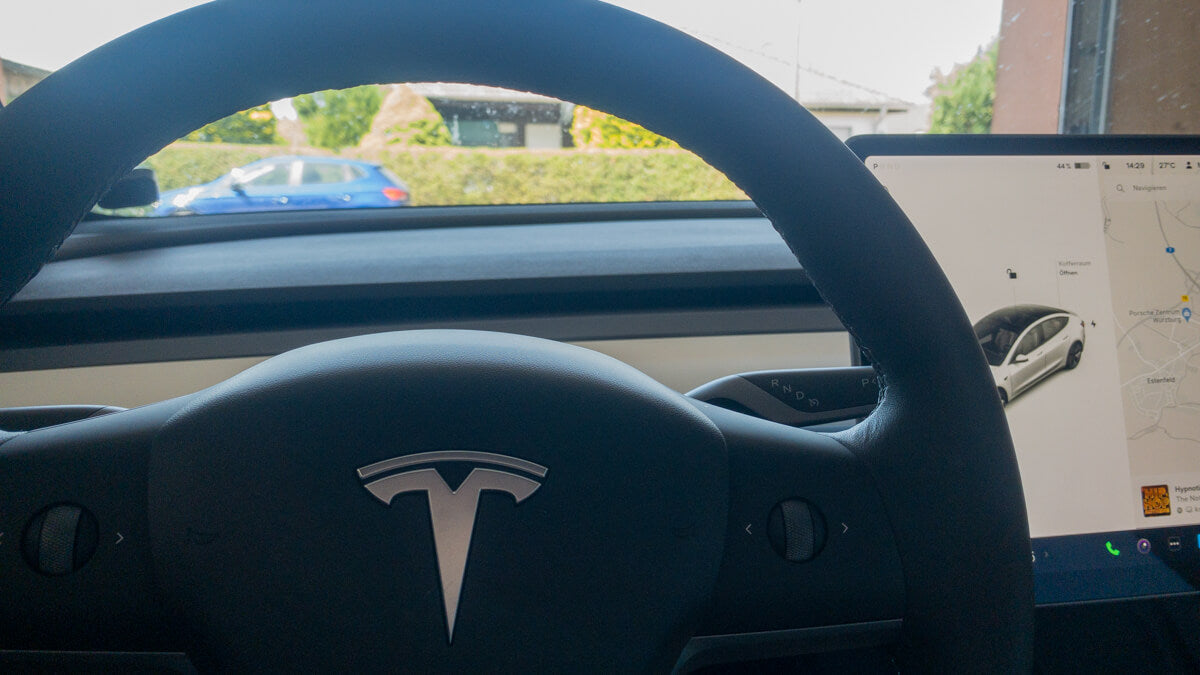
Once you've made it into the car, the next challenge awaits: there's no start button. To drive off, press the brake and briefly hold the key card against the center console (between the armrest and cupholders). Now you can select a gear using the lever on the steering wheel – and off you go!
-
Load
A first charging stop may be necessary on the way home from the service center. It's best to enter your destination into your navigation system to automatically calculate a route with a Supercharger stop.
At the charging station, simply grab an available charging point, press the button on the cable handle, and your Tesla's charging port will open. Now plug in the cable and check if the Tesla logo is flashing green, indicating that the vehicle is charging.
At the end of the process, press the button on the cable again and unplug it as soon as the logo lights up white.
The costs will be automatically calculated using the payment method stored in the app.
But beware: Don't stand still for too long, otherwise you'll fall. Blocking fees to.
-
Autopilot
To use the autopilot, you must first activate the cameras under the vehicle —> Service —> Calibrate the camera once. Afterwards, you can calibrate it by pressing the gear lever down twice while driving. Activate. Deactivate by once pressing the lever, the brake, or by shaking the steering wheel.
-
Driver profiles
Once home, you can take a quiet moment Driver profiles Setting up customization is especially useful if different people regularly drive your Tesla. The car then remembers the seat position, steering wheel settings, and much more for each profile.
-
The right accessories
To keep your Tesla feeling like new for as long as possible, suitable accessories such as Protective mats This can be very useful. At Teslabs you will find a wide selection of high-quality Tesla accessories.