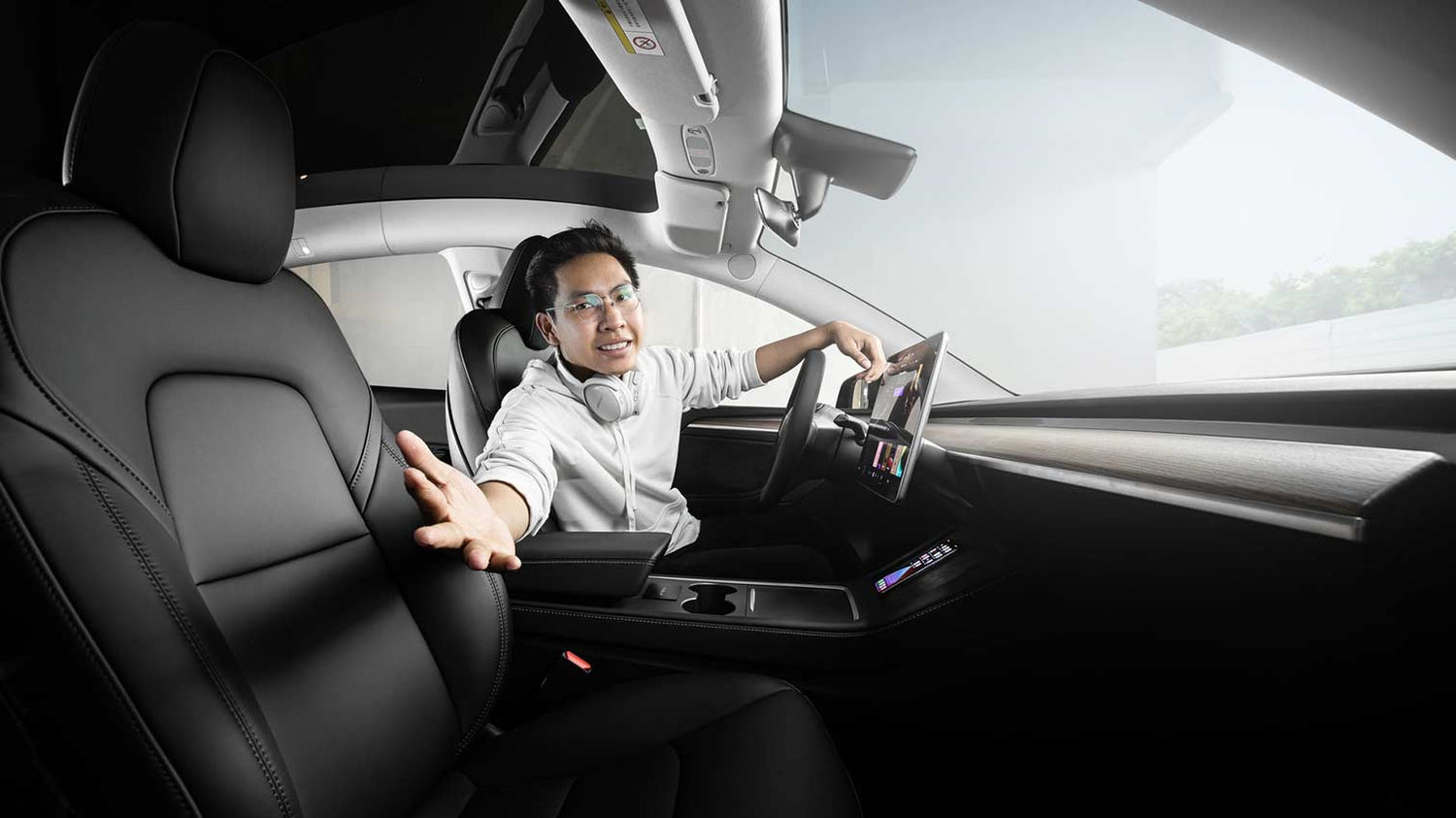
When you entrust your vehicle to a valet (parking service), you want to know it's in good hands and get it back in the same condition as when you left it. To ensure you don't have to rely solely on the valet's trustworthiness, Tesla offers the so-called Valet Mode.
This device limits the vehicle's power and top speed, locks the frunk and glove compartment, hides the home address, blocks voice commands, disables Wi-Fi and Bluetooth, and much more. It also disables the "Enter PIN to drive" function, so you don't have to reveal your PIN to the valet.
Essentially, the valet can do nothing more with the vehicle than drive it to the nearest parking space – exactly what he is supposed to do.
Valet mode is activated by clicking on the driver profile icon and then on "Valet mode". The word "Valet" will then appear on the infotainment screen, and the mode will be active.
Upon initial activation, a PIN must be set, which can later be used to return to normal mode. If you forget this PIN, you can also reset your Tesla by logging into your Tesla account. Alternatively, Valet Mode can be toggled on and off in the Tesla app; no PIN is required for this.