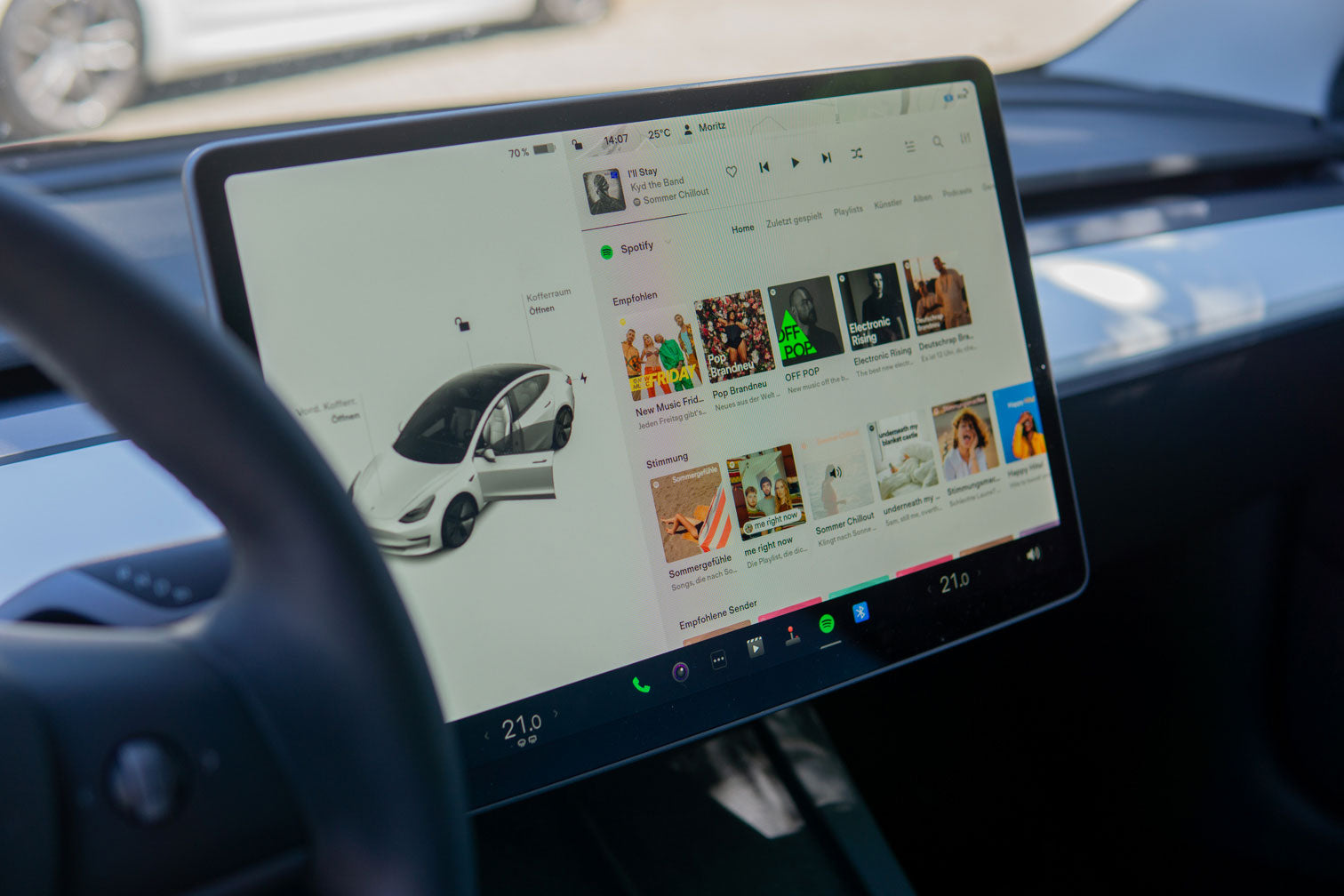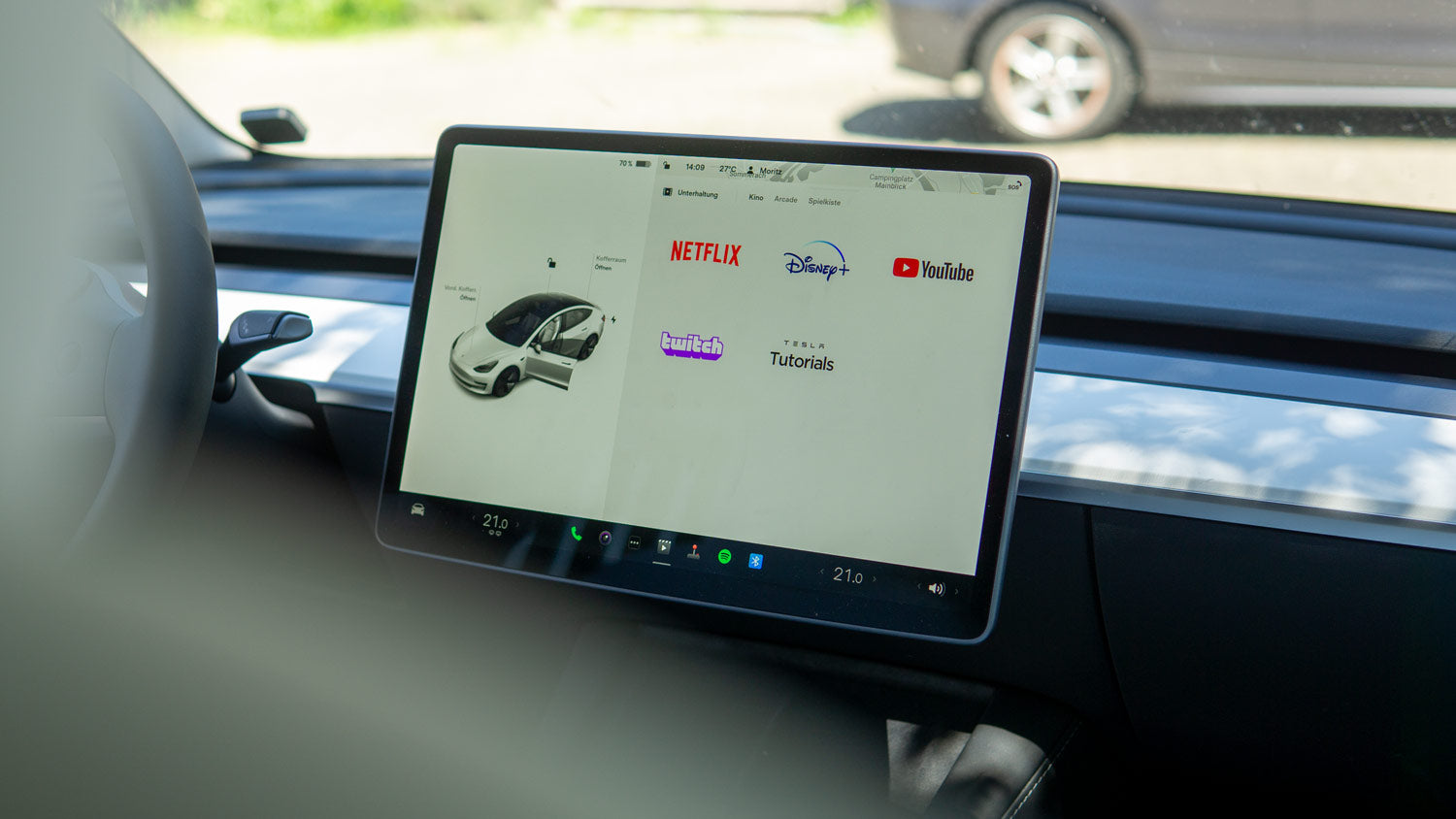
In addition to music streaming services like Spotify, the Tesla entertainment system comes standard with various video streaming portals such as YouTube, Netflix and Twitch integrated.
Combined with the large display, these make charging breaks fly by, especially if the display is also good. protected and is clean.
But what if the services don't work?
Netflix doesn't work in Tesla Model 3
The problem when opening Netflix and similar apps? Some users receive the message "Only available in park mode" when connected to a mobile smartphone hotspot, even though they have indeed put their phone in park mode.
It's quite annoying, because watching YouTube in a Tesla has a certain charm and is an ideal way to pass the time.
The solution: The problem is not with the Tesla Model 3 entertainment system.
As it turns out over time, the problem only occurs when the hotspot through which the Tesla is connected to the internet is manufactured using certain Samsung smartphone models.
All other phones, however, seem to be working. On the affected models, YouTube and similar apps started working again as soon as the function was "Protected Management Frames"(PMF) was enabled in the hotspot configuration.
Then Nothing stands in the way of a short and enjoyable charging session.