












Summoning a Tesla is considered technologically advanced, but also prone to problems. The system frequently malfunctions. We explain what you can do in such a case.
The problem
Various reports describe scenarios in which the summoning process is aborted after a short time or does not even start.
Proposed solutions
The first way to get the system working again is to delete the Bluetooth connection (if you are using a mobile phone key) followed by restarting the car and smartphone and setting up the connection again.
If that doesn't help, you should check the internet connection and GPS, or, if the Tesla is connected to the home Wi-Fi, try turning it off temporarily.
Some apps that automatically start when a Bluetooth connection to the vehicle is detected can also interrupt the summoning process.
Anyone who still has problems should try using a "normal" key instead of a smartphone and also make sure that there are not multiple keys nearby at the same time.
Last but not least, it always helps to check for available updates and install them.
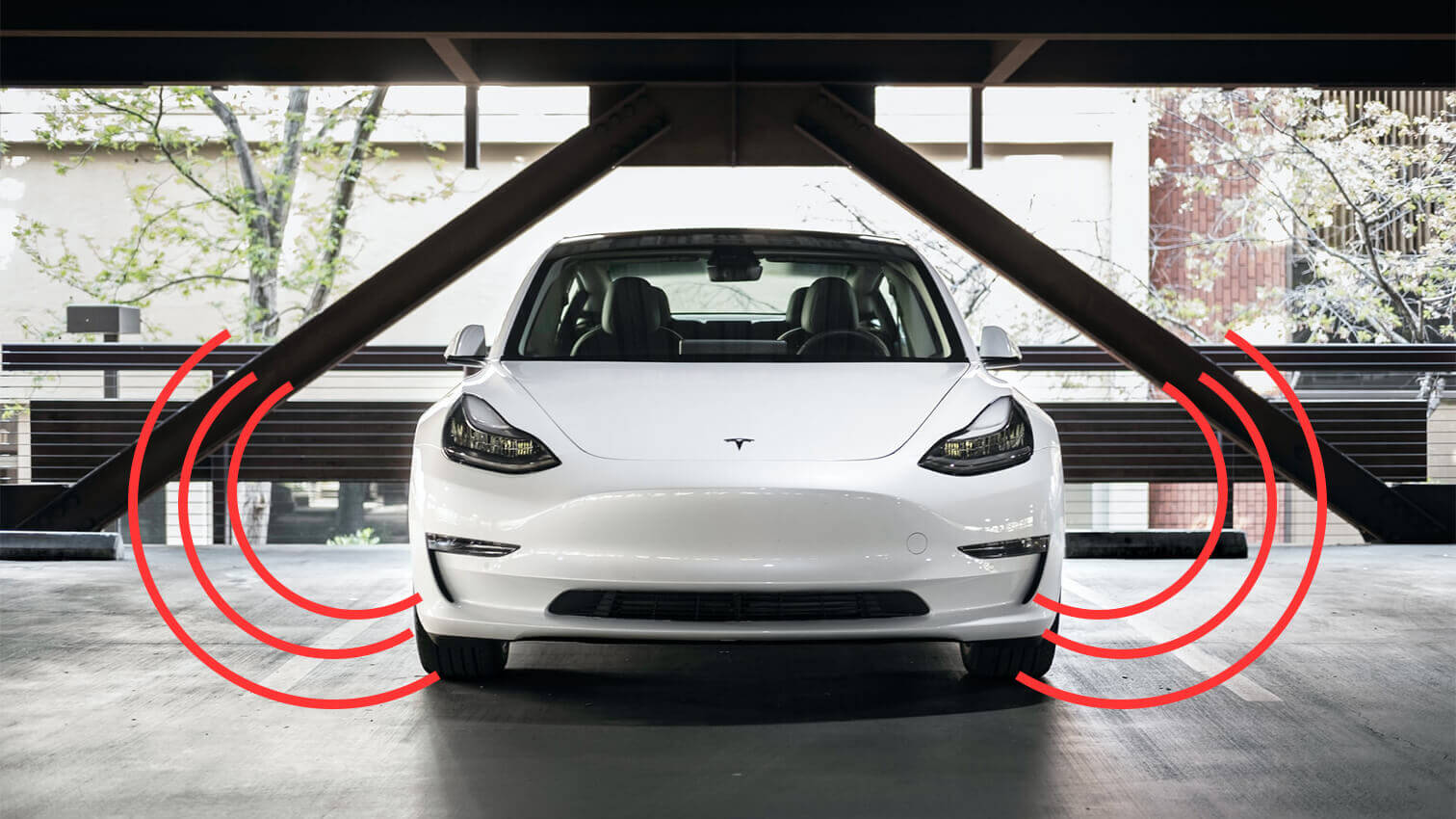
Source of featured image: James Yarema via Unsplash

3 Comments
Andreas
Ich habe Aktuell die neuste IOS Software drauf und im Fahrzeug 2023.20.9
Mit Android überhaupt keine Probleme.
IOS App geht seit einer ganzen weile nicht mehr… Tesla klappt die Spiegel ein blinkt und schlägt manchmal, aber nicht immer die Vorderräder kurz ein und dann wird abgebrochen und Bremse wieder angezogen
Model 3 SR+
Ich habe Aktuell die neuste IOS Software drauf und im Fahrzeug 2023.20.9
Mit Android überhaupt keine Probleme.
IOS App geht seit einer ganzen weile nicht mehr… Tesla klappt die Spiegel ein blinkt und schlägt manchmal, aber nicht immer die Vorderräder kurz ein und dann wird abgebrochen und Bremse wieder angezogen
Model 3 SR+
Lichti
Hallo das kann ich bestätigen. Model 3 mit Softwarestand 2023.20.8
Seit mehreren Wochen habe ich das Problem. Auto klappt spiegel ein blinkt und schlägt maximal die Vorderräder kurz ein. Fährt weder vor noch zurück. Reset Computer, Neuverbindung Smartphone, aktuelle Software vom Tesla Support aufspielen lassen.
Hallo das kann ich bestätigen. Model 3 mit Softwarestand 2023.20.8
Seit mehreren Wochen habe ich das Problem. Auto klappt spiegel ein blinkt und schlägt maximal die Vorderräder kurz ein. Fährt weder vor noch zurück. Reset Computer, Neuverbindung Smartphone, aktuelle Software vom Tesla Support aufspielen lassen.
Müller
Herbeirufen oder Smartes Herbeirufen geht trotz absolut neuer FW gar nicht.
Auch bei aufgelegter keycard geht es nicht. Den Handyschlüssel habe ich auch neu eingerichtet. Die Bluetoothverbindung wird moniert.
Was kann ich noch tun?
Herbeirufen oder Smartes Herbeirufen geht trotz absolut neuer FW gar nicht.
Auch bei aufgelegter keycard geht es nicht. Den Handyschlüssel habe ich auch neu eingerichtet. Die Bluetoothverbindung wird moniert.
Was kann ich noch tun?