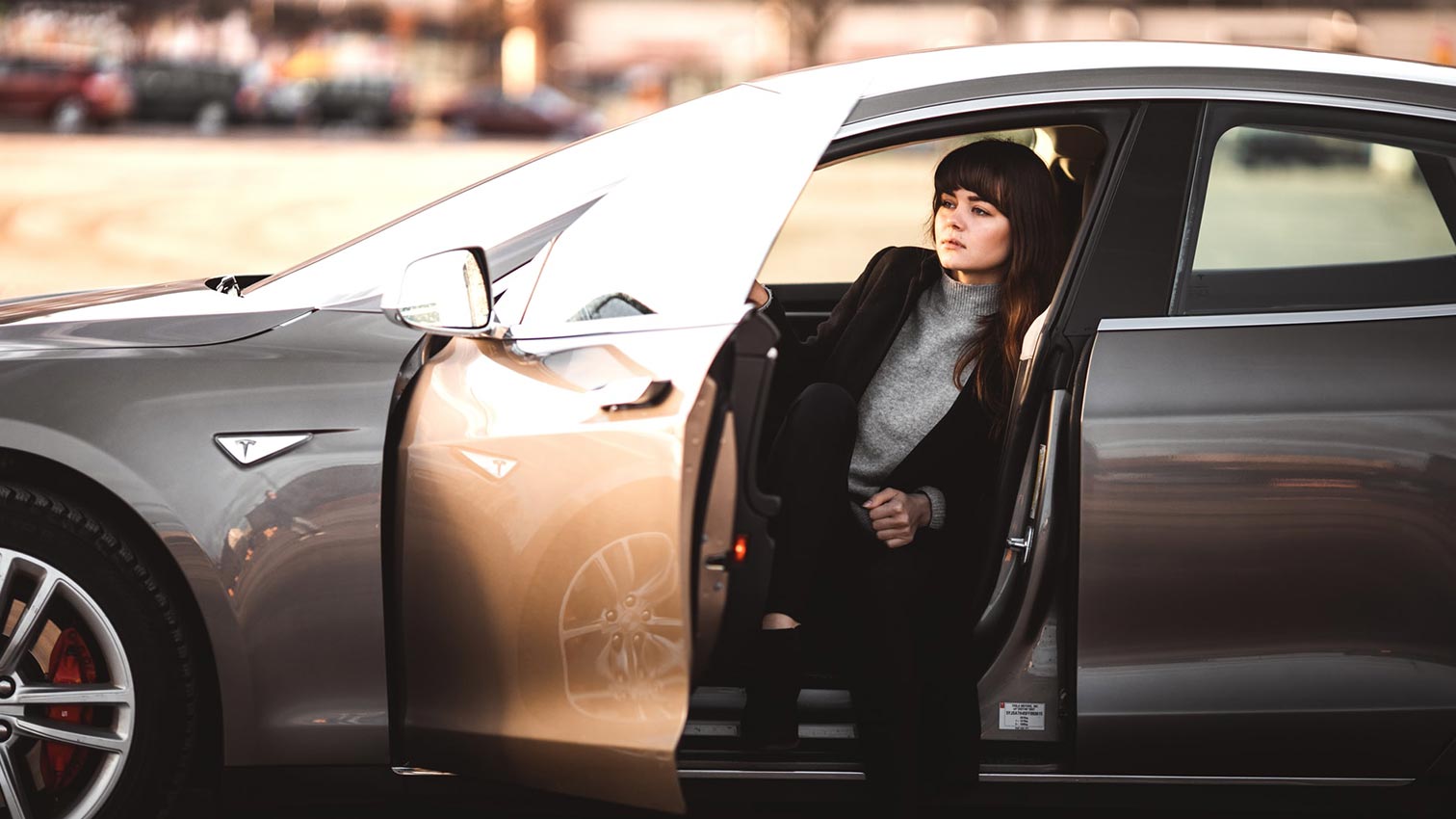
Whether driving, parking or navigating – a Tesla offers a wealth of features beyond the standard settings to make things easier, faster and more efficient.
We have compiled 7 tips for you here that will make everyday life with your Tesla even more comfortable.
Tesla Tip 1: Operate windshield wipers without using the display
Almost everything in a Tesla is controlled via the central touchscreen – including the windshield wipers. While the vehicle usually detects a wet windshield and starts wiping automatically, if the driver does need to take manual action, navigating through the menus can be annoying and potentially dangerous.
It's good that there are other methods: Pressing the button on the left steering wheel lever wipes the windshield once (half-pressing brings up the windshield wiper settings), continuous or intermittent wiping can be activated or adjusted via voice command.
Tesla Tip 2: Change the trunk height
Do you often park in the garage and the electric tailgate keeps hitting the ceiling? Don't worry, you can easily adjust how far the tailgate opens. Simply open the tailgate as usual and manually raise it to the desired height. Then, press and hold the button on the underside of the tailgate for three seconds until you hear a beep. – complete!
You can check if the setting worked by briefly closing and opening it.
Tesla Tip 3: Easily turn on the air conditioning
To turn the air conditioning on or off without having to access the full climate menu, simply press and hold the fan icon for two seconds. This is not only easier, but also reduces the time spent distracted from the road by looking at the menu.
Tesla Tip 4: More relaxed acceleration
For those who dislike the immediate, sudden acceleration of a Tesla, activating the "Relaxed" driving mode allows for a much more relaxed driving experience. This mode is essentially the opposite of the infamous "Ludicrous" mode. As such, it limits the maximum available acceleration, thus flattening the acceleration curve. You can tell if it's active by the word "Relaxed" displayed above the speedometer.
Tesla Tip 5: Fast Gear Shift
At slow speeds (up to approximately 8 km/h), you can easily switch between forward and reverse gears using the paddle shifters, without having to press the brake. This is particularly useful when parking or making quick turns.
Tesla Tip 6: Quickly save dashcam footage
Are scenes unfolding around you that you'd like to capture on video? But you don't have time to fiddle with the dashcam settings? The solution is to use your horn. This will automatically save the recordings from the minutes immediately preceding the horn call.
Tesla Tip 7: Set cruise control to the speed limit
When you pass a traffic sign indicating a new speed limit with cruise control activated, the Tesla usually recognizes this and displays it on the screen (for example, "max. 100 km/h"). By tapping the traffic sign in the speed limit display, the limit is automatically adopted as the new cruise control speed, protecting you from speed cameras.