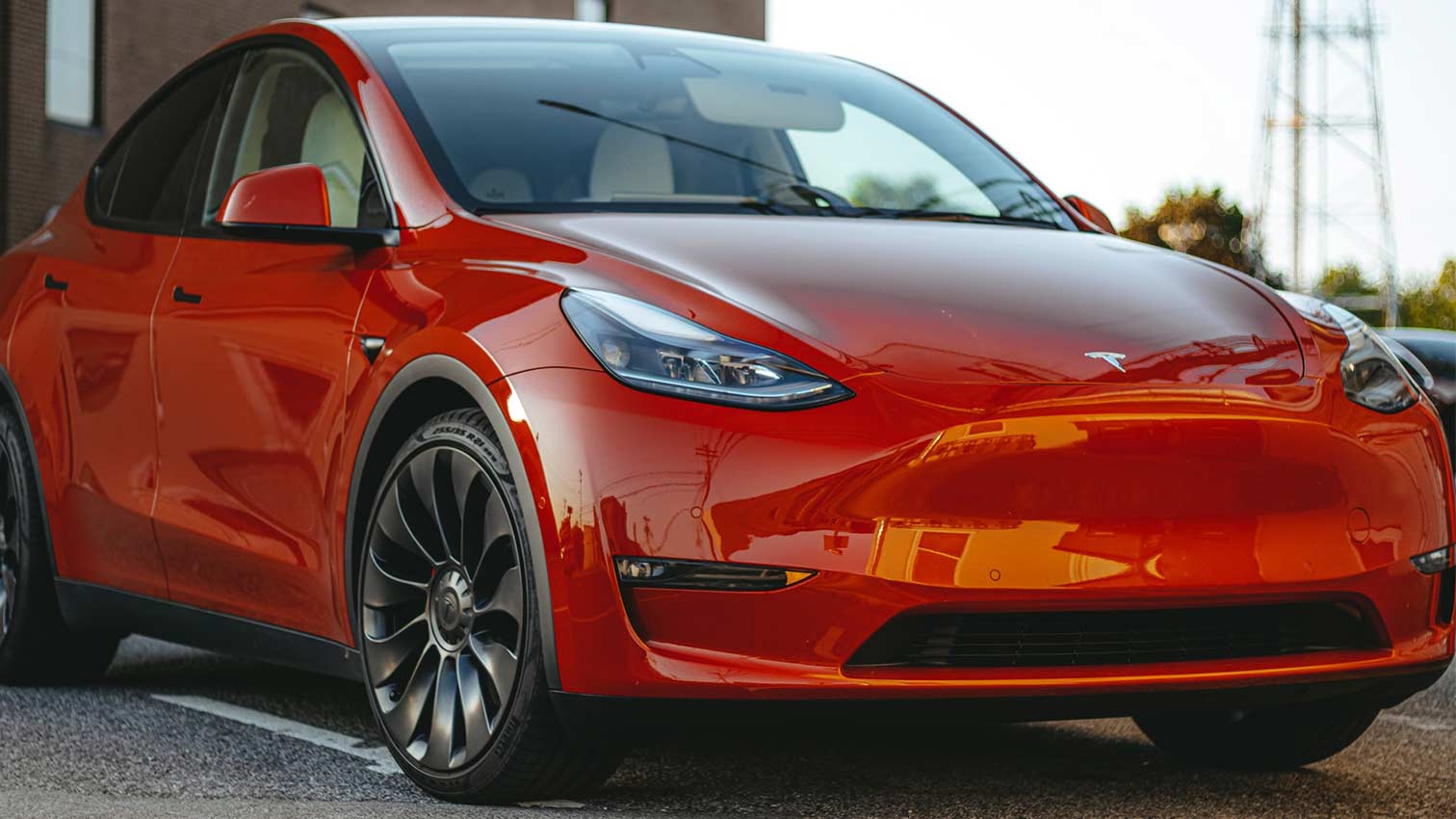
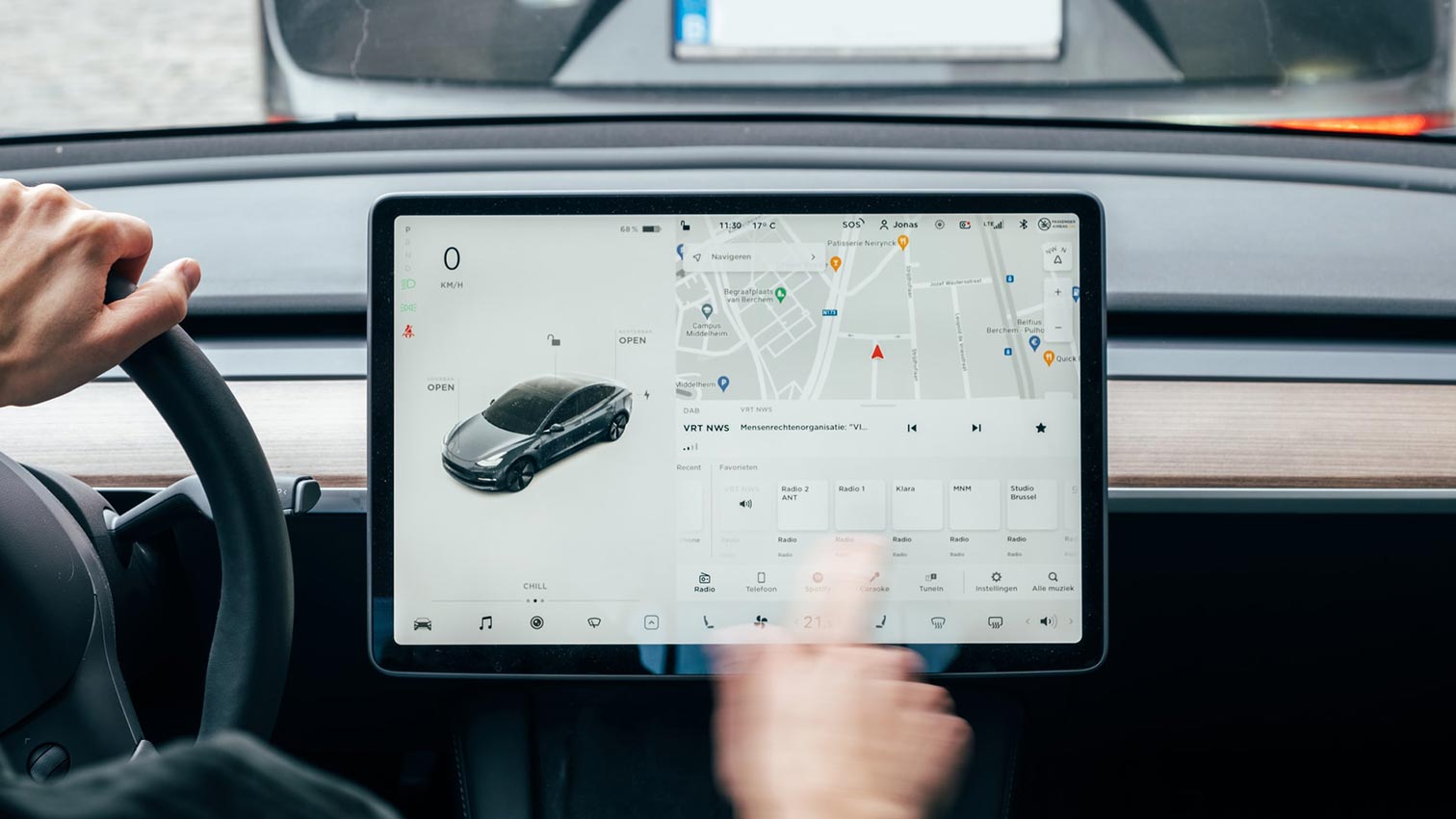
Tesla not only offers a superb electric driving experience, but also a wealth of hidden features and Easter eggs that can be extremely helpful or simply entertaining. We'd like to introduce you to 10 of these features.
10 Hidden Tesla Features
Prioritize devices
If you have created two or more driver profiles in your Tesla and linked each to a smartphone, it can happen that the wrong profile is selected if both smartphones are in the car. This will cause... The seat position and steering wheel are incorrectly adjusted, which is not very comfortable.
The solution: You can prioritize a device in the Bluetooth settings. This means that this device will always be selected first when multiple smartphones are available – ideal if the same person usually drives when there are several passengers.
Remote access
You're on vacation and suddenly realize your Tesla is parked in front of the garage at home? And now you've received a warning about an approaching hailstorm? Tesla has a solution: Tap on Vehicle in the app —> Start. This unlocks the Tesla for two minutes, allowing your neighbor or another trusted person to quickly drive into the garage.
Share destination address
Found a delicious restaurant or a great hotel on Google Maps that you want to visit? Using the "Share" button, you can easily load the destination address into your vehicle's navigation system by selecting the Tesla app – no need to do anything else. It even works before you've gotten in – clever, right?
Full-screen entertainment
Those who like to use streaming services in their Tesla, but don't want to or can't access the built-in services like Netflix, can access them in their browser. ABetterTheater Navigate. Other services, such as Amazon Prime, can also be accessed via this page in full-screen mode. – This only applies, of course, if the vehicle is in the parked position.
Automatic parking
With the FSD package, or "Enhanced Autopilot," Tesla drivers have access to a special feature: Double-tapping the parking button on the gear selector activates the so-called Auto Park function. A message appears on the display, allowing the driver to select the desired direction (forward or reverse).
Now you can get out and the vehicle will park itself. This is particularly helpful if you want to drive into a small garage where there's little room to get out. Simply park in front of it and let the Tesla do the rest.
Blind spot cameras
Anyone who wants to check their blind spot before changing lanes on the motorway cannot do so quite as easily as with some other brands by simply looking at the warning light in the wing mirror.
However, there is a way: Tapping the camera lens on the left side of the screen displays the images from the reversing and blind spot cameras on the display, making it easy to see whether a lane change is possible or whether you might have overlooked a vehicle next to you.
More precise range information
The displayed remaining range is always an estimate based on typical driving style and average consumption over many kilometers. For a more precise estimate, the energy app can display a value based on the last few kilometers.
This is particularly helpful if you currently have high fuel consumption and no improvement is in sight – for example in winter or when driving long distances through the mountains.
Maximum security through multi-factor authentication
To maximize your account security, you can activate multi-factor authentication in your profile settings. This means that, in addition to your password, you'll also need a code generated by an authenticator app on your smartphone to log in to your Tesla account. Which of these third-party apps (e.g., Apple ID, Apple ID, or Apple ID) are compatible? Tesla doesn't care whether you use Google Authenticator or Microsoft Authenticator.
Stop the turn signal
It's probably happened to every driver: you accidentally signal in the wrong direction, and to correct your mistake, you quickly push the indicator lever in the other direction, which only makes things worse. Embarrassed, you drive off, hoping you haven't confused the other drivers too much.
It's good to know how to properly stop the turn signal next time: With Tesla, it's enough to briefly push the turn signal lever in the same direction, not the opposite direction.
Adjust autopilot speed
Tesla Autopilot automatically detects the current speed limit and sets it as the upper limit for the cruise control. However, the Autopilot menu allows you to adjust this setting, for example, to always drive 5 km/h above or below the speed limit – according to your personal preference.
If you want to get even more out of your Tesla beyond its hidden features, you can do so with suitable accessories such as a Center console organizer or one Charging port cover to do in order to be organized and protected at all times.
Which of Tesla's many hidden features is your favorite?